

Vmware
Enterprise virtualization for consolidation and workload mobility.
- Hosts and clusters
- Datastores
- Virtual networks
- Upgrade and migration

We implement and evolve VMware, Hyper-V, KVM, OLVM, Xen and existing RHVM environments, including upgrades, clustering and P2V/V2V/V2P migrations.
Discuss Your Project →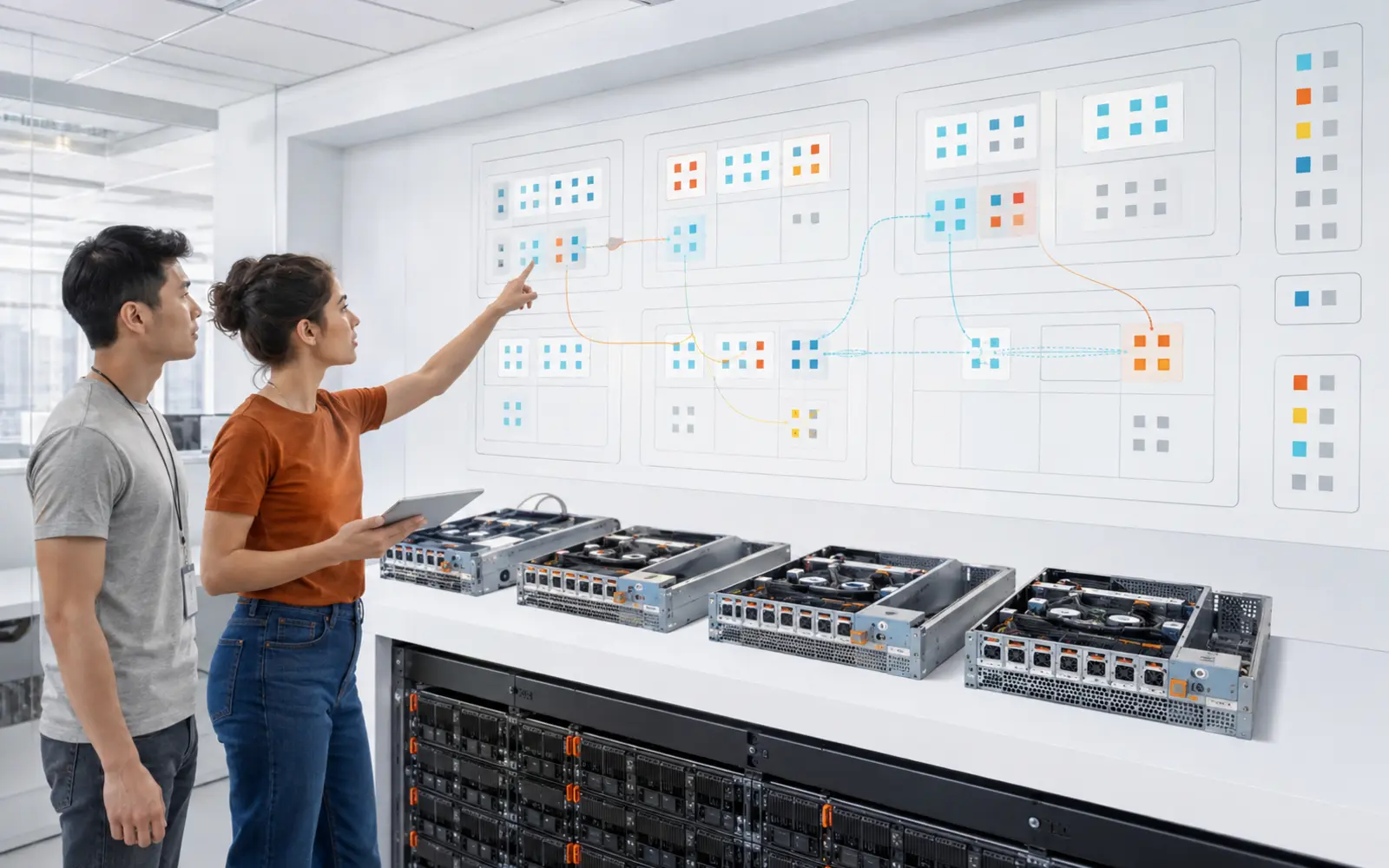
We review cluster, hosts, datastores, networks and workload compatibility before defining a migration or upgrade.
Enterprise virtualization for consolidation and workload mobility.
KVM-based virtualization for Linux and Oracle Linux environments.
Microsoft virtualization integrated with Windows Server and enterprise storage.
Existing environments requiring continuity, upgrades or transition.
Hosts, cluster, storage and networking are configured as one platform.
Deploy hosts and cluster services.
Connect datastores or storage domains with redundant paths.
Before moving a workload we identify networking, storage, drivers, OS behavior and validation sequence.
Select conversion method based on source, destination and downtime.
Transition workloads between hypervisor generations or products.
High availability is useful only when workload restart and host maintenance behave as expected.
Configure and test platform HA.
Leave cluster health and dependencies documented.
Moving a VM does not remove its dependencies. Before migration or upgrades we review what exists inside and outside the hypervisor.
Capacity and compatibility of the compute pool.
The VM must preserve connectivity and segmentation at the destination.
Datastores and paths constrain mobility, performance and recovery.
Drivers, agents and application dependencies must survive the transition.
We map source and target to prevent the cutover from discovering hidden dependencies.
The task ends when the workload operates and there is evidence it can be maintained and recovered.
A successful migration starts by understanding what the VM needs outside the hypervisor.